





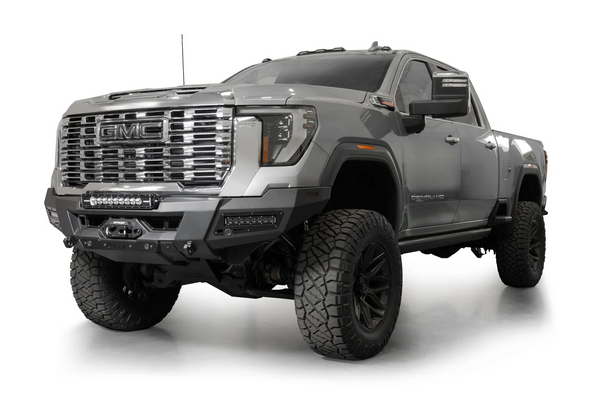













Installation Guide: ORI GEN 2 Roller Shutter Central Locking & CAN Bus Integration
Document Purpose: To guide installers on locating and connecting the lock/unlock signal wires for the ORI GEN 2 Roller Shutter using the vehicle's CAN bus system.
Supported Vehicles:
-
Chevrolet Silverado 1500 (2019 - 2026): LTZ, ZR2, Trailboss
-
Chevrolet Silverado 2500HD (2020 - 2026): LTZ
-
GMC 2500HD (2020 - 2026)
1. Location of the Signal Plug
The central locking and CAN bus signal plug is located inside the cabin on the passenger side.
-
Remove the interior trim pieces on the passenger side to access the B-Pillar.
-
Locate the specific wiring harness and plug secured within the lower B-Pillar cavity.

2. Wire Routing
To bring the wiring from the ORI GEN 2 Roller Shutter (exterior/tub) into the cabin to reach the B-Pillar plug:
-
Locate the rubber grommet situated on the floor pan beneath the passenger side of the vehicle.
-
Carefully pierce or slice a small opening in the grommet.
-
Route the roller shutter's locking/CAN bus wires up from the undercarriage, through the floor pan grommet, and into the cabin.
-
Seal the grommet with automotive grade silicone to prevent water ingress.
-
Route the wires neatly beneath the carpet/trim up to the B-Pillar plug location.
3. Connecting the Wires
Once the wires are routed to the B-Pillar plug, you will need to tap into the correct CAN bus signals for the Lock and Unlock commands.
-
Refer to the wiring diagram below to identify the exact pinouts and wire colors on both the vehicle's B-Pillar plug and the ORI GEN 2 harness.
-
Connect the wires directly into the plug as specified.
4. Testing and Reassembly
-
Before reassembling the interior trim, ensure all doors are closed.
-
Use the vehicle's key fob to test the Lock and Unlock features.
-
Verify that the ORI GEN 2 Roller Shutter responds correctly to the vehicle's remote commands.
-
Once confirmed, neatly secure all loose wiring with zip ties and reinstall the B-Pillar and sill trim panels.